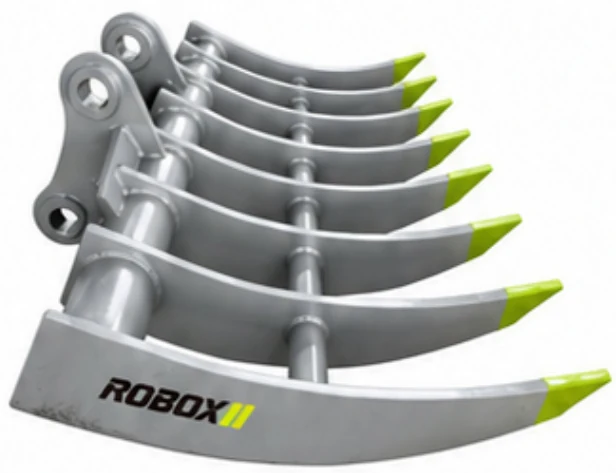
Match a quick coupler, tiltrotator, bucket or compactor to the excavator class and arm geometry. Check pin diameters, centres, hydraulic requirements and assembly weight. Verify compatibility for the specific carrier and tool.
How do you compare models and equipment?
Compare the specifications of each variant in the table. Include the model, operating requirements and equipment in your inquiry. Models within one family can have different configurations.
When buying a bucket, quick coupler or tiltrotator, compatibility of the whole assembly with the machine arm matters. Compare mounting geometry, movement range and hydraulic requirements. A grading bucket, ripper and multipurpose bucket have different tasks, so add a work description to the product name. Include the carrier model and mounting dimensions in the enquiry; weight class alone does not establish attachment compatibility.
How can mounting compatibility be checked?
Carrier and existing mounting data, including the relevant spacings and diameters, and the specification of the selected equipment are needed.
Product gallery
Photos and details from the catalogue
+ROBOX RootRakeRaking grapplesCatalogue view of the machine+ROBOX RootRakeRaking grapplesMachine detail from the catalogue+ROBOX RootRakeRaking grapplesMachine detail from the catalogue
Image1 / 3
The photos come from the ROBOX catalogue. Configuration and equipment depend on the selected model.
ROBOX Sales Department
Let's talk about application.
The inquiry is recorded in CRM. After sending, you will receive a reference number; selection, equipment, and conditions will be confirmed by the sales department.